
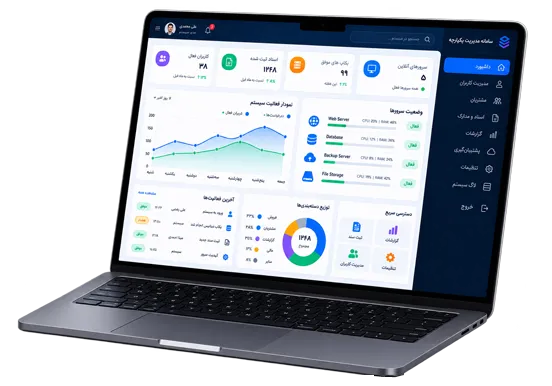
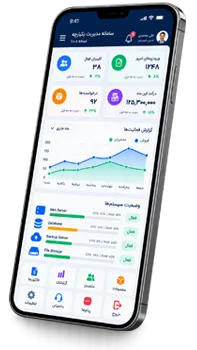
An online store is a web-based platform for showcasing and selling products and services. Customers can browse, search and compare products and place their orders online.
Alongside the storefront, a management panel allows administrators to easily manage products, categories, orders, customers, inventory, pricing, discounts and store content.

An integrated platform for showcasing products, selling online and managing customers.
Your products remain available to customers around the clock.
A convenient shopping experience on mobile, tablet, laptop and desktop.
Customers can easily select products and place their orders.
Manage orders and monitor sales performance through the management panel.
Manage complete and organized product information throughout your online store.
Add product names, images, descriptions, prices and complete product specifications.
Create different categories to help customers find products more quickly.
Manage product prices and create discounts and special sales offers.
Monitor product availability and prevent orders for out-of-stock items.
Manage and track every stage of customer orders from a single panel.
Customers select their desired products and place an order.
Connect the store to an online payment gateway to process online transactions.
Manage the order process from initial placement through preparation, shipping and delivery.
Record shipping information and manage the order delivery process.
Create customer accounts and securely maintain the information required for orders and services.
View previous orders and purchase history for each customer.
Allow customers to share their opinions and experiences about products and services.
Notify customers about products, orders and special offers.
Help customers quickly find products with easy search functionality.
Filter and sort products by features, price and category.
Create discount codes and sales campaigns for customers.
Display high-quality product images for better product presentation.
Create pages, news and other content needed to expand your online store.
Monitor orders, sales and overall store performance.
Customers search for and select their desired products in the store.
Selected products are added to the shopping cart.
Customers complete their order information and make the payment.
The store reviews the order and prepares it for shipping.
The order is shipped to the customer and its status can be tracked.
The store's appearance, structure, features, payment methods, shipping process and other capabilities can be designed and developed around your business model and requirements, giving you an online store that fits your brand and business needs.

© All rights reserved.