
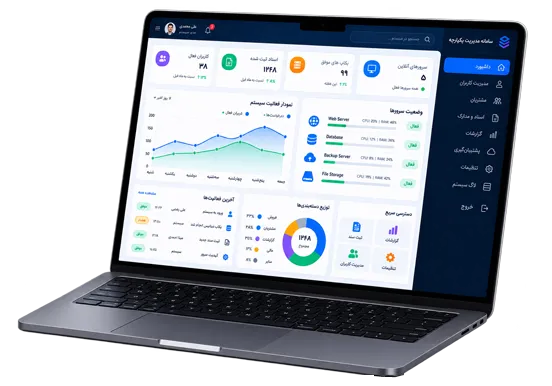
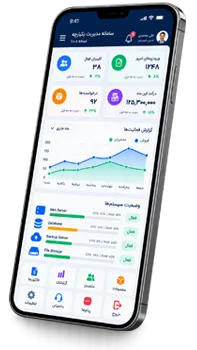
MikroTik Hotspot software is a custom system designed for organizations that want to deliver their digital content through a local network without depending on the internet.
After connecting to the network and accessing the Hotspot service, users can enter a dedicated environment where they can view and use videos, images, music, books, files, educational materials and other types of digital content.
This system can be used in environments such as hotels, accommodation centers, educational institutions, factories, hospitals, service centers, stores and other organizations that need to provide internal digital content.
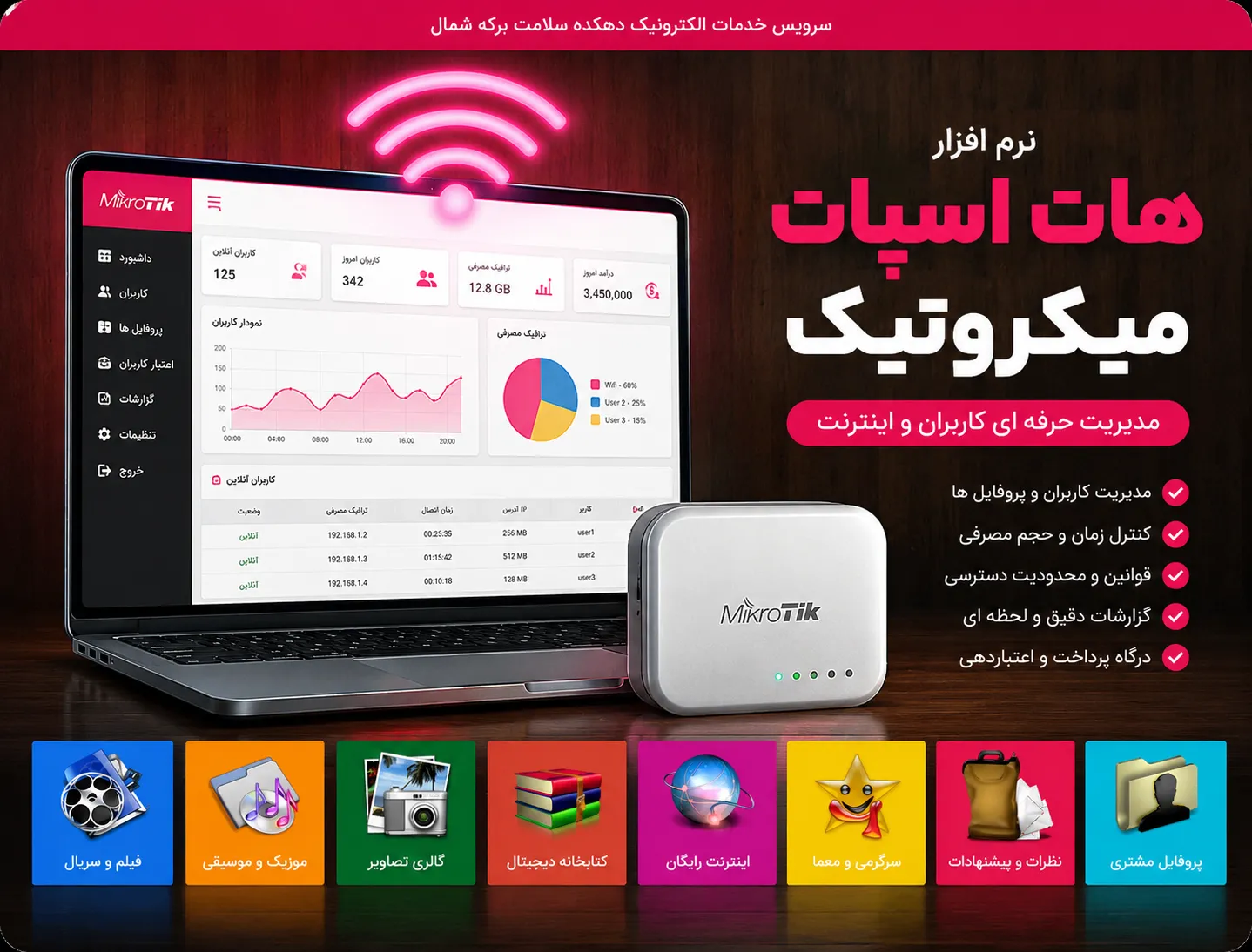
Users only need to connect to the local network to access the available content.
Users access the dedicated content environment through the MikroTik Hotspot service.
Content hosted on the local network can be accessed without an internet connection.
Users can access content from mobile phones, tablets, laptops and other connected devices.
Content is delivered through the local network, allowing users to access it without depending on internet speed.
Present your organization's digital content in an organized and easily accessible environment.
Deliver educational, promotional, entertainment and other video content through the local network.
Display images, photo galleries and visual content in the system's dedicated environment.
Provide audio files, music, podcasts and other types of audio content to users.
Give users access to courses, educational materials, study resources and academic content.
Provide e-books, magazines, brochures and text-based materials through the local network.
Make required files and documents available to users through the dedicated network environment.
Users only need to connect to the organization's network to access the content.
The user connects their device to the organization's Wi-Fi or local network.
The dedicated Hotspot page is displayed and the required access is provided.
The user enters the dedicated environment and browses different content categories.
Videos, music, images and educational content can be accessed directly through the local network.
Create different categories to provide users with more organized access to the content they need.
Add new content to the system and place it in the appropriate category.
Edit titles, descriptions, images and other information related to published content.
Manage active and inactive content and control what users can see in the system.
The system can be customized according to the type of organization and the content it needs to provide.
Provide movies, music, service guides and dedicated content to guests.
Provide educational videos, study materials and learning resources without requiring internet access.
Provide organizational training, procedures and internal content for employees.
Provide educational content and service information through the organization's local network.
The local network and MikroTik Hotspot service are set up within the organization.
Digital content is stored on the system's internal infrastructure and organized into categories.
Users connect to the organization's network using a mobile phone, tablet or laptop.
The organization's dedicated content becomes available to users without requiring internet access.
By using the local network infrastructure and MikroTik Hotspot, this system creates a dedicated platform for delivering digital content. It is suitable for organizations that want to make their content available to users without depending on an internet connection.

© All rights reserved.